Feedback
freeTrialImage.bannerPity
freeTrialImage.upgradeUnlock
- ✓freeTrialImage.benefitHd
- ✓freeTrialImage.benefitWatermark
- ✓freeTrialImage.benefitUnlimited
Gemini 2.1
Gemini 2.1 crafts photorealistic 4K images with dependable likenesses and crisp typography, follows your prompt, and refines photos via chat.
AI Tools
Explore AI tools

Free AI Image
Truly Free AI Image Generator

AI Image Editor
AI Photo Editor Online

Image Upscaler
Enhance image resolution effortlessly

AI Color Changer
Transform photo colors in seconds
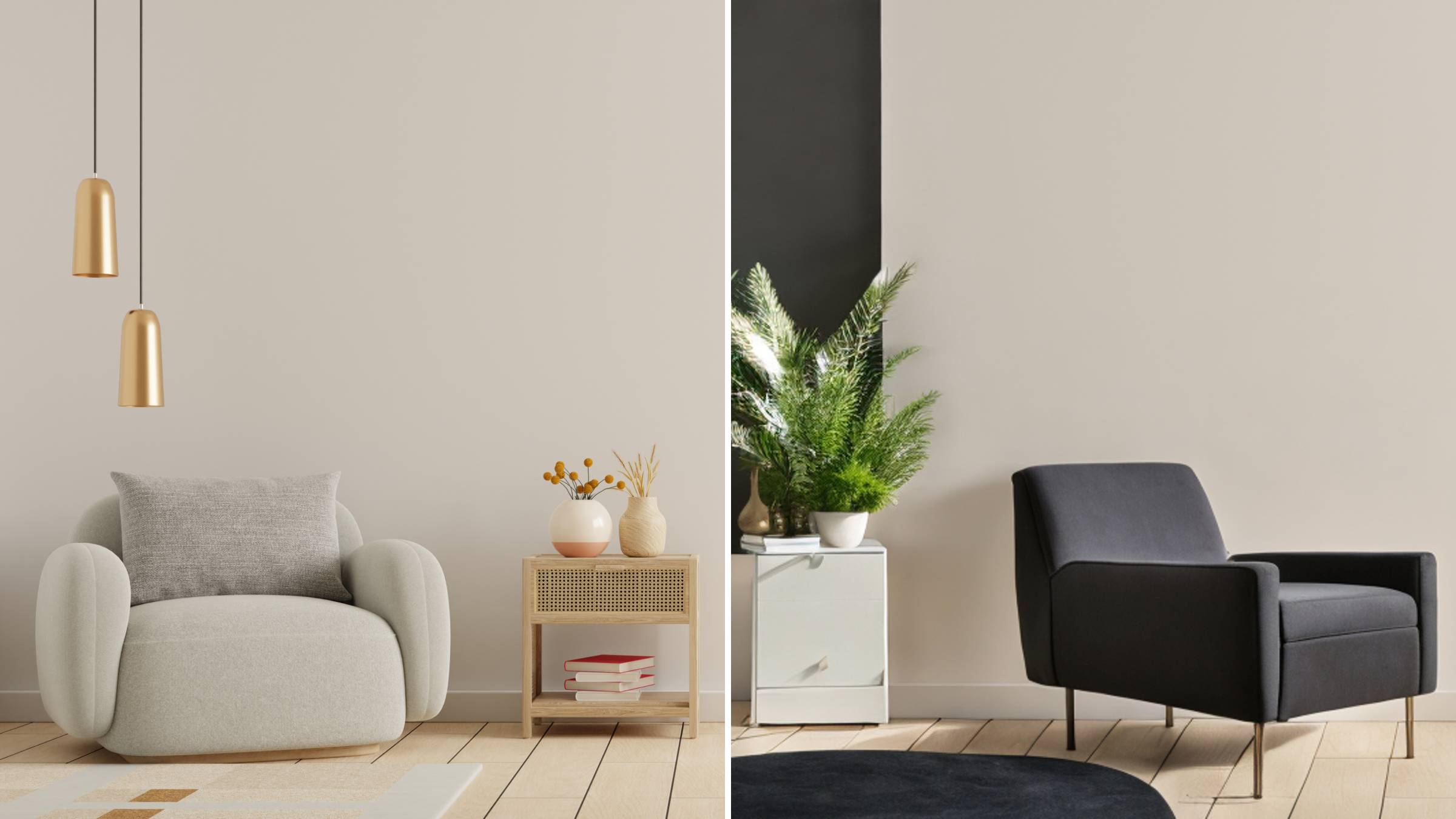
AI Room Designer
Design your dream room with AI-powered 3D rendering

Skin Enhancer
Enhance skin texture naturally with AI
Face Editor
Enhance face texture naturally with AI

AI Clothes Changer

Core Advantages of Gemini 2.1 for High-Resolution Work
With Gemini 2.1, people, merchandise and typography remain coherent across 4K generation and editing sessions.
- A single source photo, many matching resultsProvide one image and Gemini 2.1 will produce a series of visuals that share the same mood, illumination and palette.
- Mix as many as 14 reference imagesAttach up to fourteen visual references alongside your text, and Gemini 2.1 merges them seamlessly, reducing the need for post-editing.
- Targeted adjustments through conversationAsk Gemini 2.1 to recolor a garment, replace an outfit or smooth skin, and only the named element is altered.
Getting Started with Gemini 2.1
Follow three simple steps to go from idea to final render.
Common Questions About Gemini 2.1
Find fast answers on creating and refining visuals with Gemini 2.1.
Which resolutions and aspect ratios does Gemini 2.1 support?
Gemini 2.1 offers a range of resolutions and aspect ratios, including options as high as 4K.
Does Gemini 2.1 produce legible text within images?
Absolutely. Typography inside the frame remains precise, making labels, menus and signage easy to read.
Does changing one element affect the rest of the image?
No. Gemini 2.1 redraws only the specified detail and leaves the surrounding pixels untouched, so the rest of the scene stays intact.
Is it possible to restyle an existing photo?
Yes. Upload an image and transform it into anime, cyberpunk, claymation, pencil sketch or oil painting styles; you can also swap objects and outfits while preserving fine details.
Can Gemini 2.1 create a complete product catalog?
Provide several product photos from various angles, and Gemini 2.1 will generate realistic shots in ideal settings and backgrounds, complete with accurate label text.
What plan works for everyday use, and is cancellation flexible?
Monthly options include Starter, Plus, Pro and Wonder, with up to 25% off the first month. Cancel anytime, and unused monthly credits carry over.
Create and Save Images Using Gemini 2.1
Test Gemini 2.1 on OpenArt, produce 4K visuals and download the ones you love. Choose from Starter, Plus, Pro or Wonder plans, with up to 25% off your first month.