Qwen Image 3.0 AI Image Generator
Turn long, complex prompts into crisp photorealistic visuals with the Qwen Image 3.0 AI Image Generator. Free to try online — no signup, no watermark.
Feedback
freeTrialImage.bannerPity
freeTrialImage.upgradeUnlock
- ✓freeTrialImage.benefitHd
- ✓freeTrialImage.benefitWatermark
- ✓freeTrialImage.benefitUnlimited
AI Tools
Explore AI tools

Free AI Image
Truly Free AI Image Generator

AI Image Editor
AI Photo Editor Online

Image Upscaler
Enhance image resolution effortlessly

AI Color Changer
Transform photo colors in seconds

AI Room Designer
Design your dream room with AI-powered 3D rendering

Skin Enhancer
Enhance skin texture naturally with AI
Face Editor
Enhance face texture naturally with AI

AI Clothes Changer
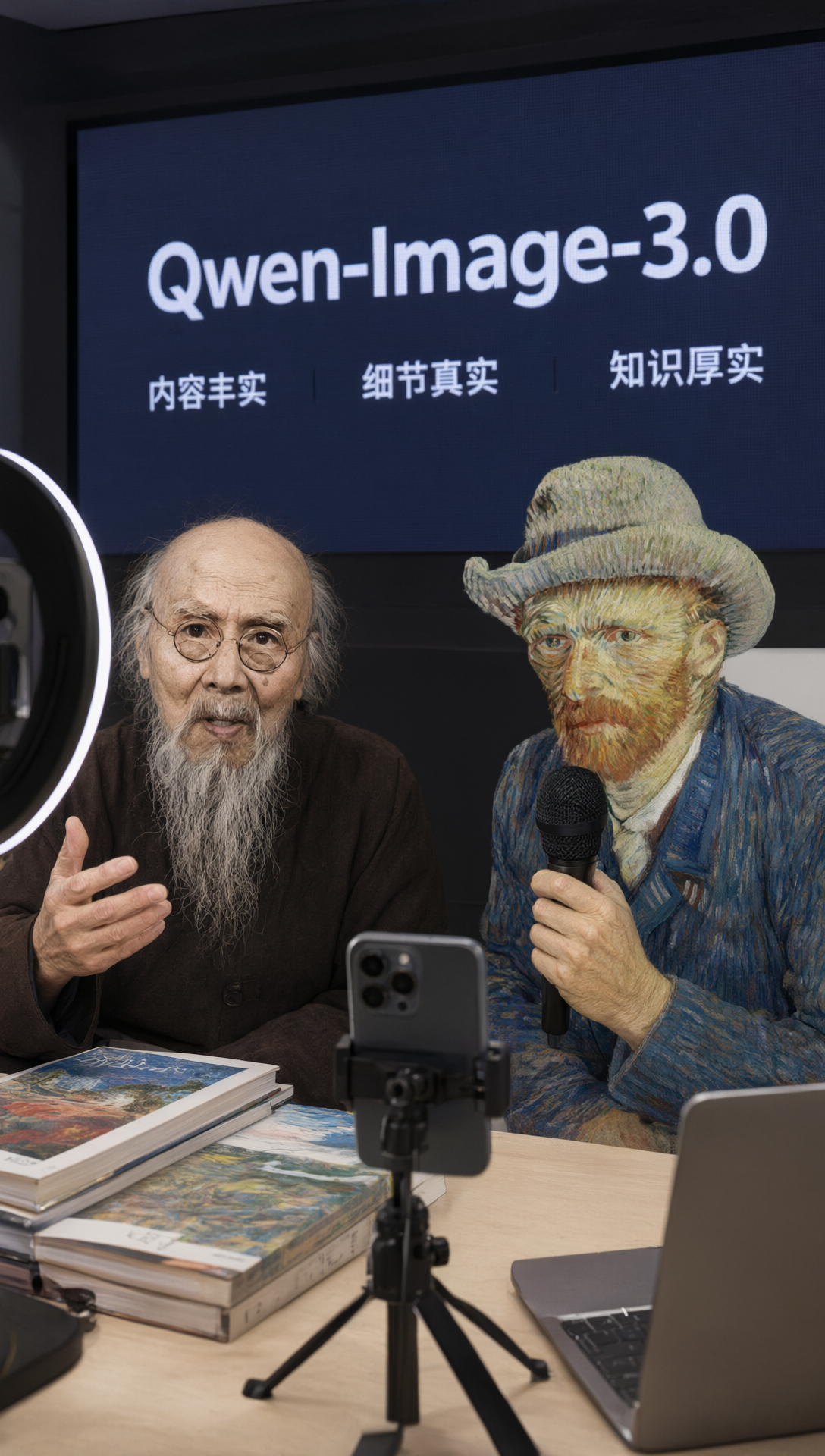
Built for Real Work: The Qwen Image 3.0 AI Image Generator
Alibaba's newest image foundation model puts usability first — layered layouts, faithful textures and lettering that stays legible when you zoom in, all rendered by Qwen Image 3.0.
- Dense CompositionsInstructions can run to roughly 4.5k tokens, enough for multi-panel layouts, charts and nested interface elements in one single pass.
- True-to-Life TextureLettering stays readable at sizes as small as ten pixels, while skin, fabric and stray hair keep a convincingly photographic feel.
- Broad World ContextWorks in twelve languages and more than a hundred visual styles, recreating web pages, game HUDs and livestream layouts convincingly.
From Prompt to Picture with the Qwen Image 3.0 AI Image Generator
Follow three short steps to turn a written brief into a dense, lifelike image — no design software required.
Answers About the Qwen Image 3.0 AI Image Generator
Everything you might ask before your first render with the Qwen Image 3.0 AI Image Generator — text accuracy, languages, commercial rights and more.
What is Qwen Image 3.0, in simple terms?
It's Alibaba's Gen-3 image foundation model. Its guiding idea is usefulness: results should not only look good, but also hold up when they go into a real project.
What does 'rich content' actually mean here?
Prompts can stretch to 4,500 tokens, so a single pass can cover a nine-panel infographic, a full newspaper page or a stacked interface mock-up.
How accurate is the text it renders?
Very accurate: characters stay readable down to about ten pixels, and dense LaTeX formulas, code blocks with superscripts, subscripts and fraction bars all come out clean.
Which languages can it write in?
Twelve of them, including Chinese, English, Japanese, Korean and Spanish, each available across a range of typefaces and font weights.
Can it recreate realistic on-screen interfaces?
Yes. Websites, code editors, game screens and livestream overlays all come out convincing, because the model understands how real interfaces are laid out.
Can I use the output commercially?
Yes. It was made as a working tool for design teams, educators, online sellers and publishers who need polished, high-fidelity visuals.
Put the Qwen Image 3.0 AI Image Generator to Work
Write a long, specific brief and watch it become a dense, lifelike image — start free with the Qwen Image 3.0 AI Image Generator.