
Feedback
freeTrialImage.bannerPity
freeTrialImage.upgradeUnlock
- ✓freeTrialImage.benefitHd
- ✓freeTrialImage.benefitWatermark
- ✓freeTrialImage.benefitUnlimited
Seedream 5.0 flash
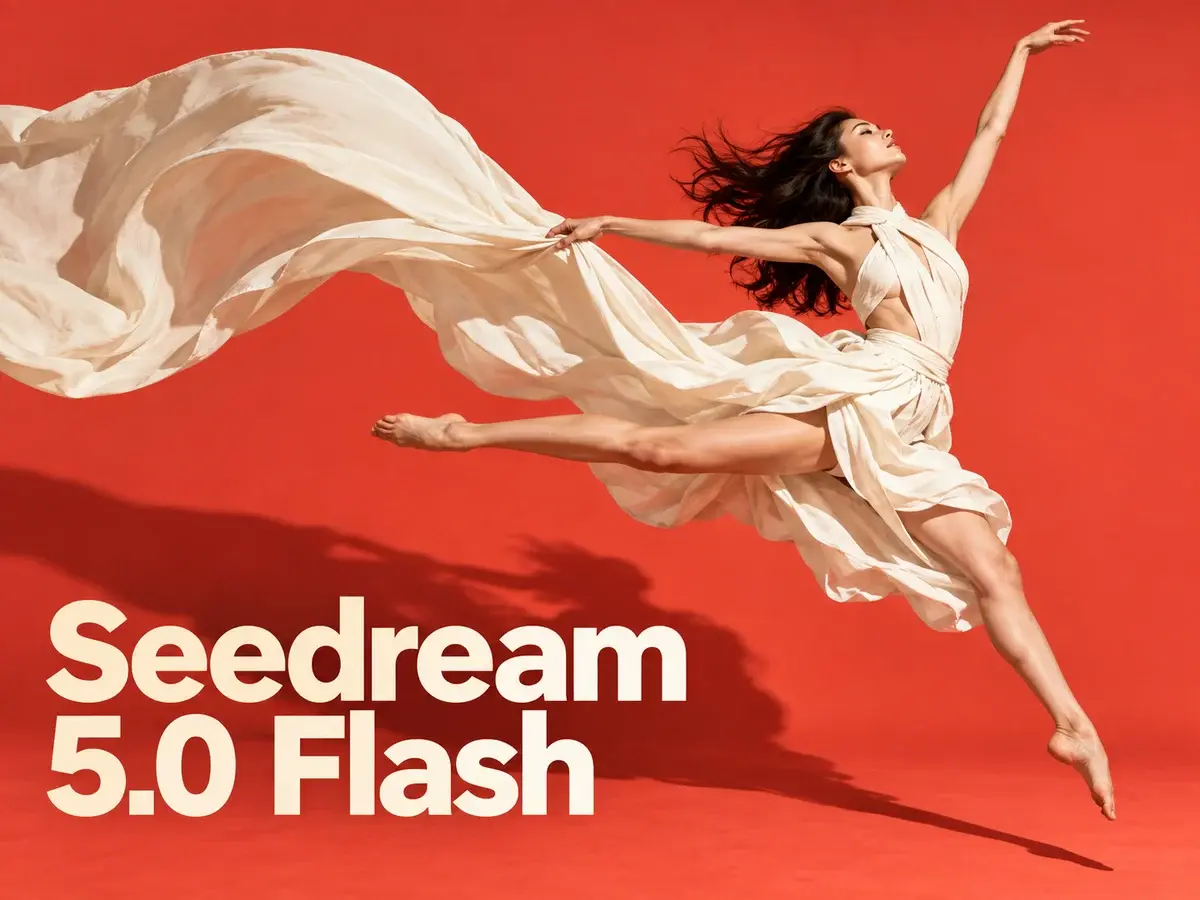
Seedream 5.0 Flash is a fast, low-cost AI image model for prompt-to-image and multi-reference editing, with crisp 2K output.
AI Tools
Explore AI tools

Free AI Image
Truly Free AI Image Generator

AI Image Editor
AI Photo Editor Online

Image Upscaler
Enhance image resolution effortlessly

AI Color Changer
Transform photo colors in seconds

AI Room Designer
Design your dream room with AI-powered 3D rendering

Skin Enhancer
Enhance skin texture naturally with AI
Face Editor
Enhance face texture naturally with AI

AI Clothes Changer

A Closer Look at the Flash Speed Tier
Positioned as the value pick in ByteDance's Seedream 5.0 range, this model favours quick turnaround and edits driven by multiple references.
- The Fast Lane of the 5.0 LineupOccupies the affordable slot in ByteDance's Seedream 5.0 family, sitting one rung below the flagship Seedream 5.0 Pro.
- Flat Pricing at Every SizeA single 3-credit fee applies whether you pick 1K, 1.5K or 2K; edits carry the same price and reference uploads cost nothing.
- Blend Up to Ten ReferencesUpload as many as ten source images, describe the adjustment you need, and Flash merges them into one finished picture.
Getting Started with Seedream 5.0 Flash
Three quick steps take you from a rough idea to a finished image.
Seedream 5.0 Flash: Common Questions
Straight answers on generation, editing, credit costs and export sizes.
What separates Seedream 5.0 Flash from Seedream 5.0 Pro?
Flash is tuned for speed and lower cost, while Pro is ByteDance's flagship — it pushes visual fidelity and typography further and renders up to 2K.
What resolution and aspect ratio options are available?
You can render at 1K, 1.5K or 2K and pick from a wide spread of ratios, spanning 21:9 widescreen through to 9:16 vertical.
Do 1K, 1.5K and 2K images cost different amounts?
No — each image costs 3 credits no matter which resolution you choose. Edits carry the same price, and uploading references adds no extra charge.
How many references can a single edit accept?
Ten is the maximum. Once your references are in place, describe the change and Flash blends the subjects, products and styles into one result.
Does Seedream 5.0 Flash support text in more than one language?
It does. Clear lettering in English or other languages can be rendered straight into the picture, which suits posters, menus, social posts and product mockups.
Which models make up the Seedream family?
The line-up covers Seedream 5.0 Pro, Seedream 5.0, Seedream 4.5 and Seedream 4, each offering a different mix of fidelity, typography and generation quality.
Put Seedream 5.0 Flash to Work
Write a prompt or bring ten references and start editing — every image costs 3 credits, arrives up to 2K in PNG or JPEG, and references stay free.